
Administrator Guide
Collect Logs
Collect Logs: Apps & Services
Collect Logs: Hosting Services
Collect Logs: Integrations
Manage Logs
Send Logs for Analytics
SolarWinds Users & Orgs
Support and Security
What's New
Papertrail can create and update an AppOptics graph displaying the number of log messages matching a search alert.
Follow the steps in Alerts.
From AppOptics’ Settings page, under the API Tokens tab, generate a new Record Only API token for Papertrail.
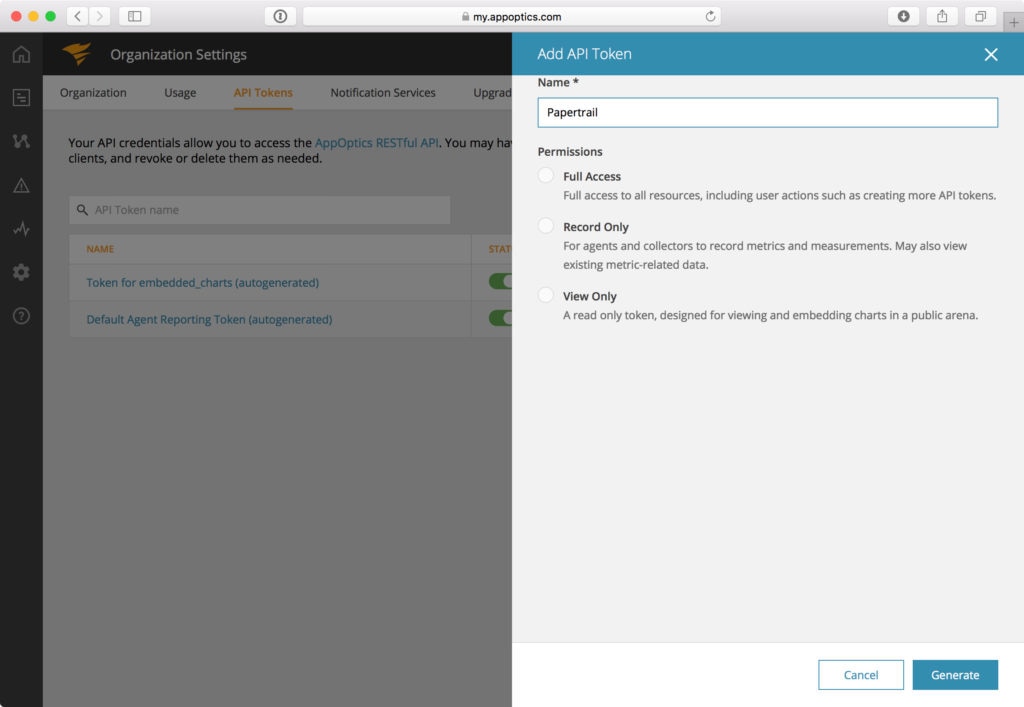
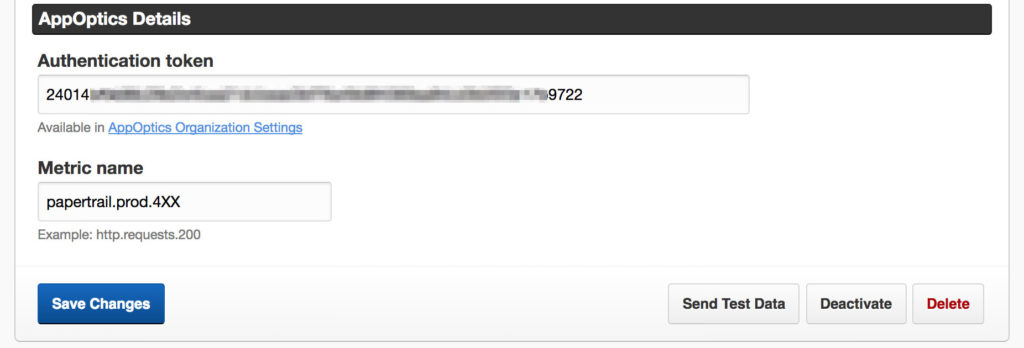
For the search alert you are creating, choose:
Exploit attempts or systems.http.500.The metric name must be URI-safe. Only alphanumeric characters, periods, hyphens, underscores, or colons are allowed.
Your alert details should look something like this:
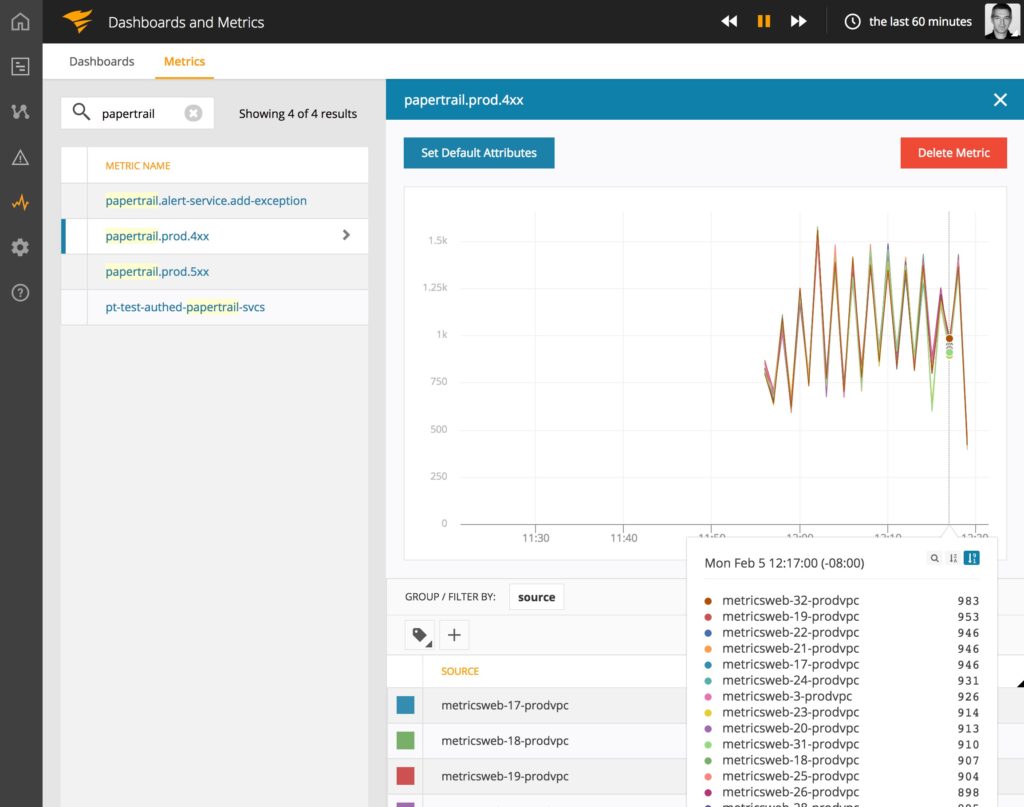
The new metric will only appear in AppOptics after the alert has triggered. After it has started reporting, simply click on the metric name to see the chart.

Centralized log management to find and fix issues faster.

© 2026 SolarWinds Worldwide, LLC. All rights reserved.