More color themes means more log-searching fun
Thousands of teams use SolarWinds® Papertrail™ to manage different types of logs. And with such a large and diverse group of users, there’s a wide variety of needs and preferences.
Fortunately, we added a Display Preferences menu to the footer in the new Papertrail event viewer, allowing us to create and deliver new display options and color themes.
If you’ve opened the Display Preferences menu this week, you may have noticed two new color themes: Solarized and Solarized Light.
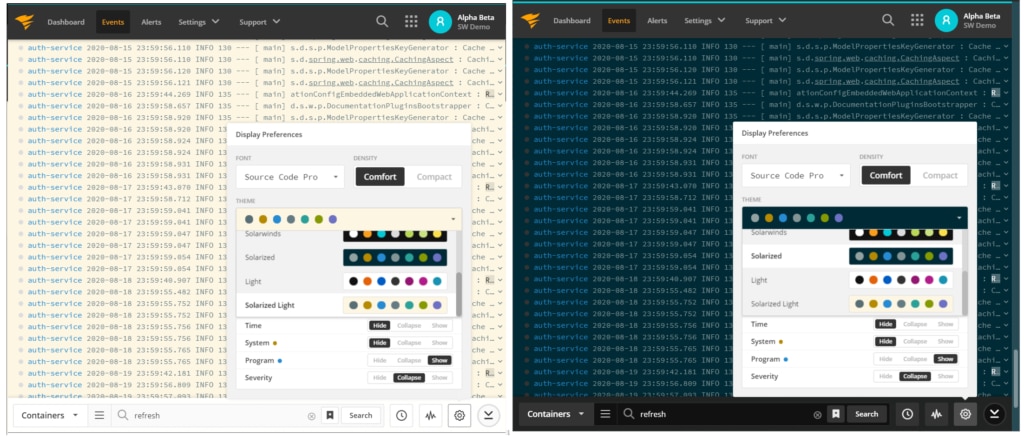
These color themes were curated by our UI team to work well with our new navigation. They also include a “light” and “dark” option, so you can work the way you want. The Solarized and Solarized Light color themes were battle tested by the Papertrail development team and are a new favorite.
If you’re looking for a fresh look, try out the new color themes and let us know what you think.
And if you want to go retro and recreate the familiarity of the classic Papertrail event viewer, just select the “Monaco” font, compact density, and the “Classic” color theme.