A clean slate in one keystroke makes log tailing even easier.
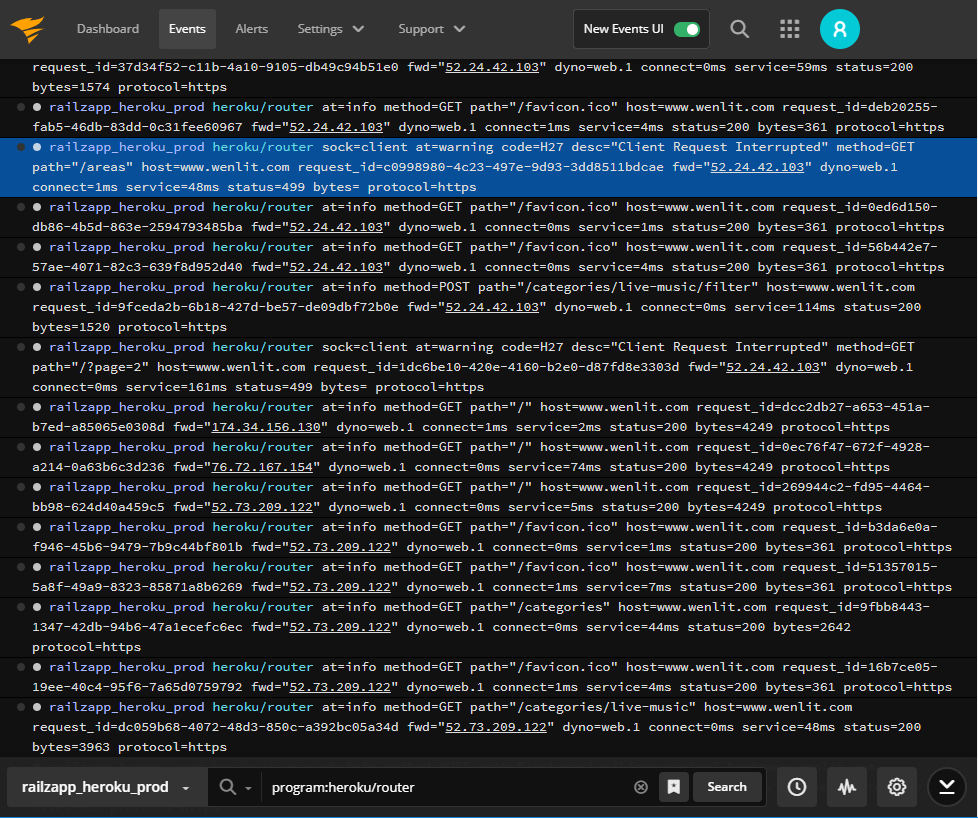
Does this sound familiar? You’re focused on debugging an issue. You start by tailing logs and narrowing down your search with additional filters, or by combining multiple strings. At some point you want to clear the older events from the event viewer screen, so you can easily see new events as they occur. As we heard from some long-time SolarWinds® Papertrail™ fans, there wasn’t an easy way to do this.
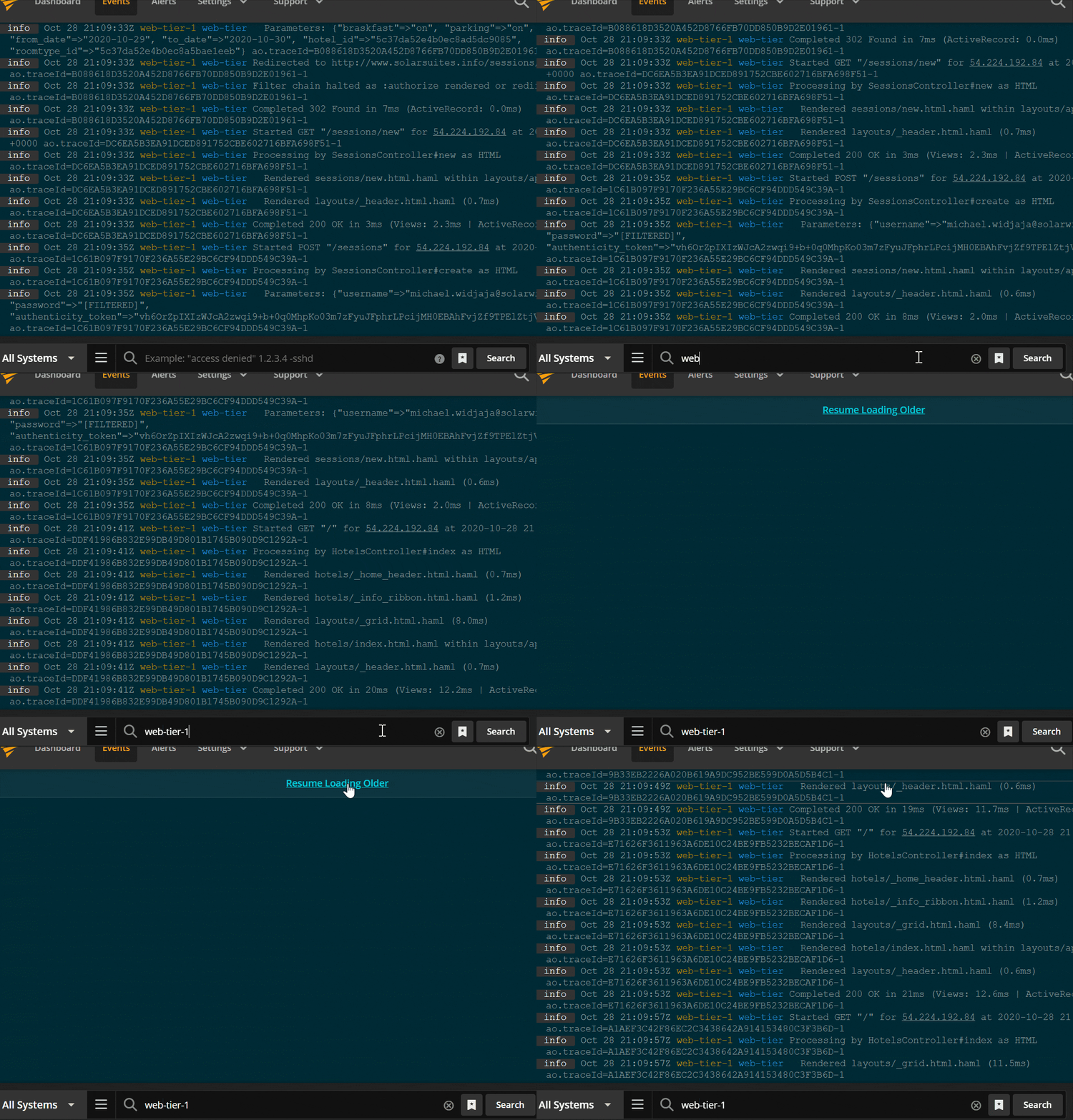
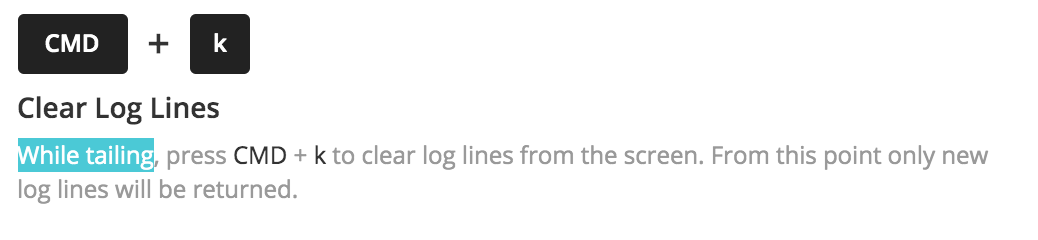
We listened. We’re now introducing an “Alt + K” shortcut for Windows users to clear log lines from the event viewer screen when live tailing. For Mac fans, and we know you’re out there, use “Cmd + K.” Regardless of which shortcut you use, when you are tailing logs you can now wipe the slate clean whenever you like, without taking your fingers off the keyboard.
This nifty new shortcut is possible because you let us know how we could make log searching in Papertrail easier and less frustrating. Give this new shortcut a try and let us know what you think.